Habit tracker
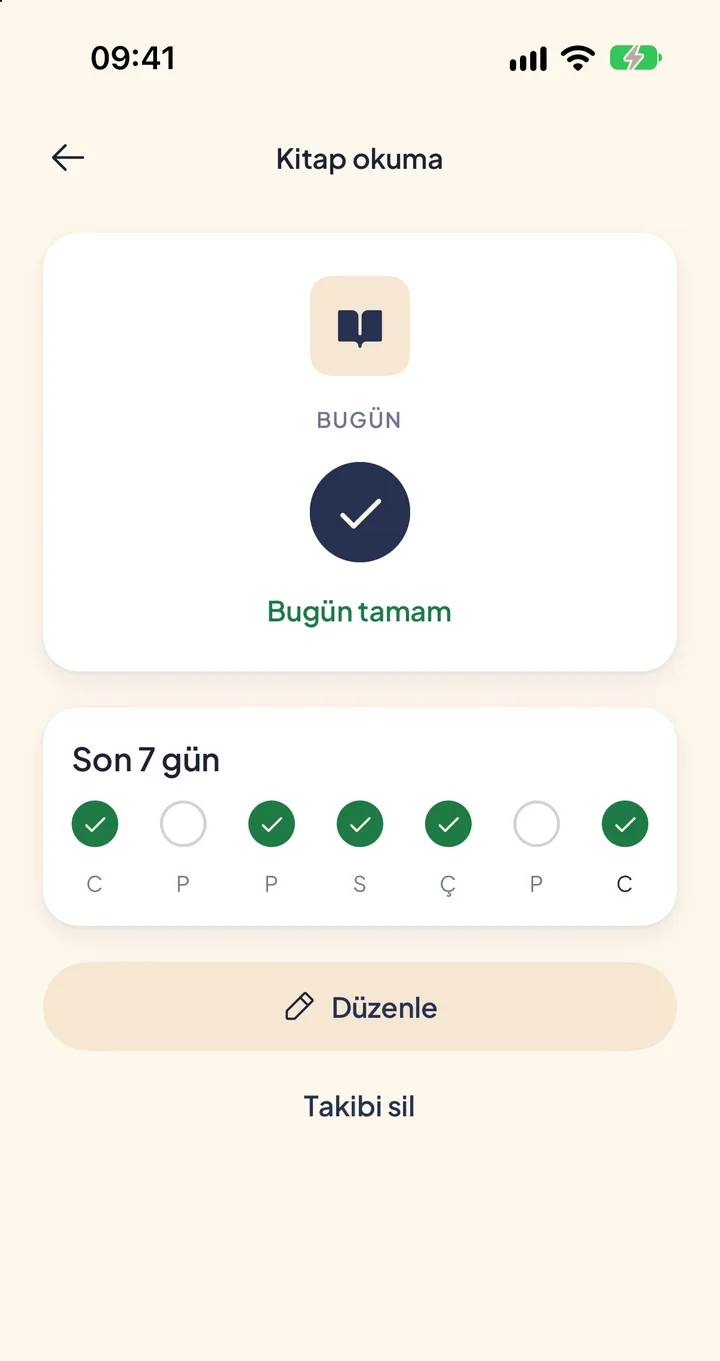
Name your own habit or daily count, pick an icon and see your week.
 Coming soonAndroid
 Scan with your phone camera to open the App Store.
- Free
- Choose the trackers that fit your day.
- Create an account to start your journal.
How it works
How to track a habit
Name your tracker
Give it a name, like reading or stretching, and pick one of eight icons.
Choose how it counts
A once-a-day tick or a count from 0 to 99 through the day, with a daily goal if you want.
See your week
The last seven days of each tracker at a glance. Create up to ten.
What's in the habit tracker
Once a day
Done or not done, for habits like reading or stretching.
A count through the day
From 0 to 99 with an optional daily goal, for things like cups of coffee or pages read.
Step by step
You name it: mark it once a day, count it through the day, or do it step by step.
Your week
The last seven days of each tracker. Edit or delete it whenever you like.
Privacy
Your journal, mood, cycle and tracker records, including saved step counts, are stored on your device. When account backup is available and you are signed in, the app also sends an encrypted copy to our servers to restore and merge your records.
Privacy policyBlog
Articles on habits


Questions
Habit tracker is part of your yuuvii account. Choose it from your trackers.
Your journal, mood, cycle and tracker records, including saved step counts, are stored on your device. When account backup is available and you are signed in, the app also sends an encrypted copy to our servers to restore and merge your records.
Anything you can tick once a day or count in whole numbers.
Android is coming soon. You can download yuuvii for iPhone from the App Store.
Last updated: Nov 12, 2026 · How we write
Habit tracker
Name your own habit or daily count, pick an icon and see your week.
Coming soonAndroidScan with your phone camera to open the App Store.In the same app
Every tracker is optional. Turn on the ones you need, all in one app.